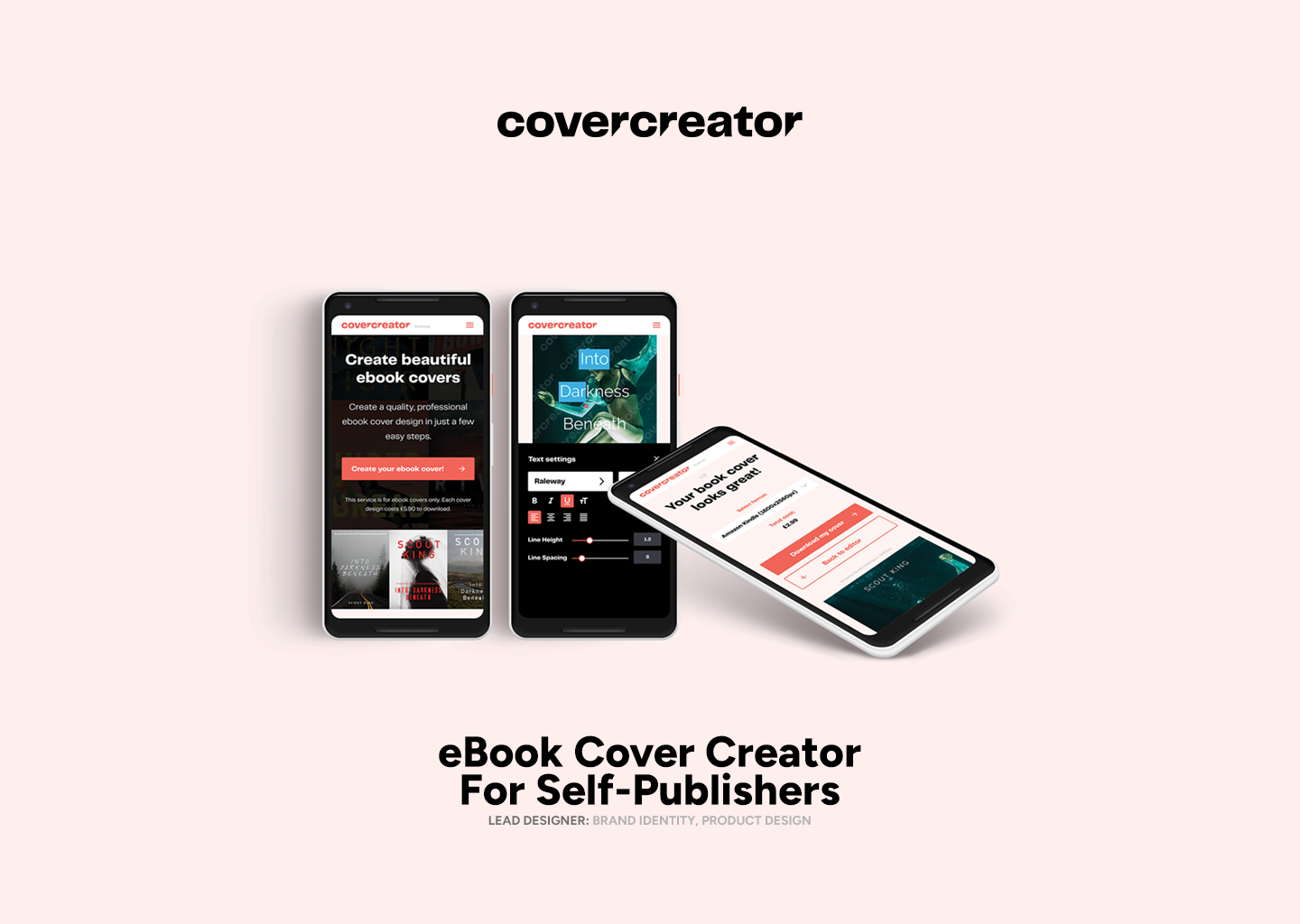
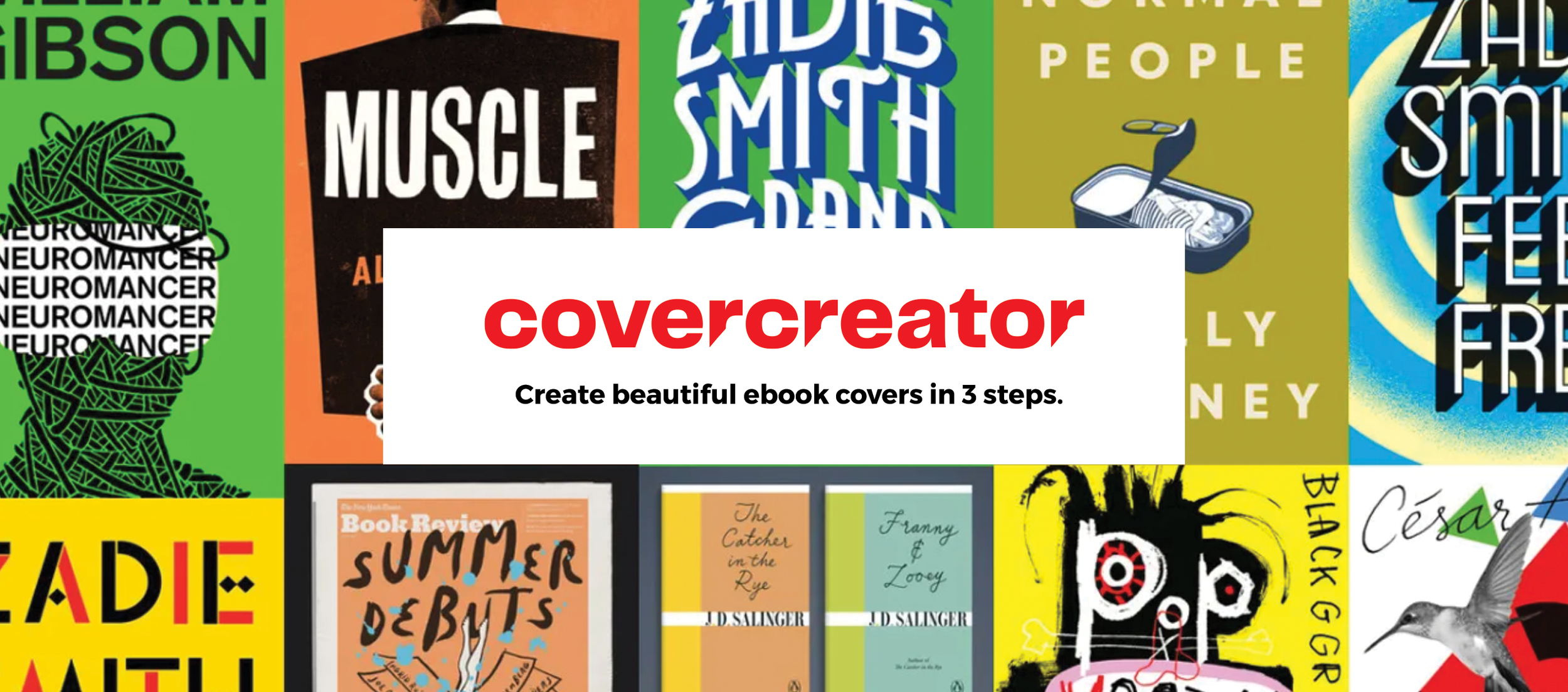
Overview
This was a self-initiated product discovery and prototyping project exploring whether an affordable, browser-based eBook cover creator could solve a genuine problem for self-publishing authors.
As a children’s book writer and aspiring self-publisher myself, I had seen how often authors could complete the difficult work of writing a book, only to become stuck at the final hurdle: creating a cover that looked professional enough to compete in an online marketplace.
For eBooks, the technical requirement is relatively simple. Authors usually need to upload a single front-cover image rather than produce a full print wrap with a spine and back cover. The real challenge is not file preparation. It is helping non-designers make credible creative decisions around typography, imagery, genre conventions and hierarchy.
This project combined market research, user research, product strategy, wireframing and interactive prototyping in Figma.
This was an exploratory personal project, not a launched commercial product.
My Role
I led the project from early research through to prototype design.
Product strategy
Competitor and market research
User research and analysis
Persona creation
User flows
Low-fidelity wireframes
UI design
Interactive prototyping in Figma
The Opportunity
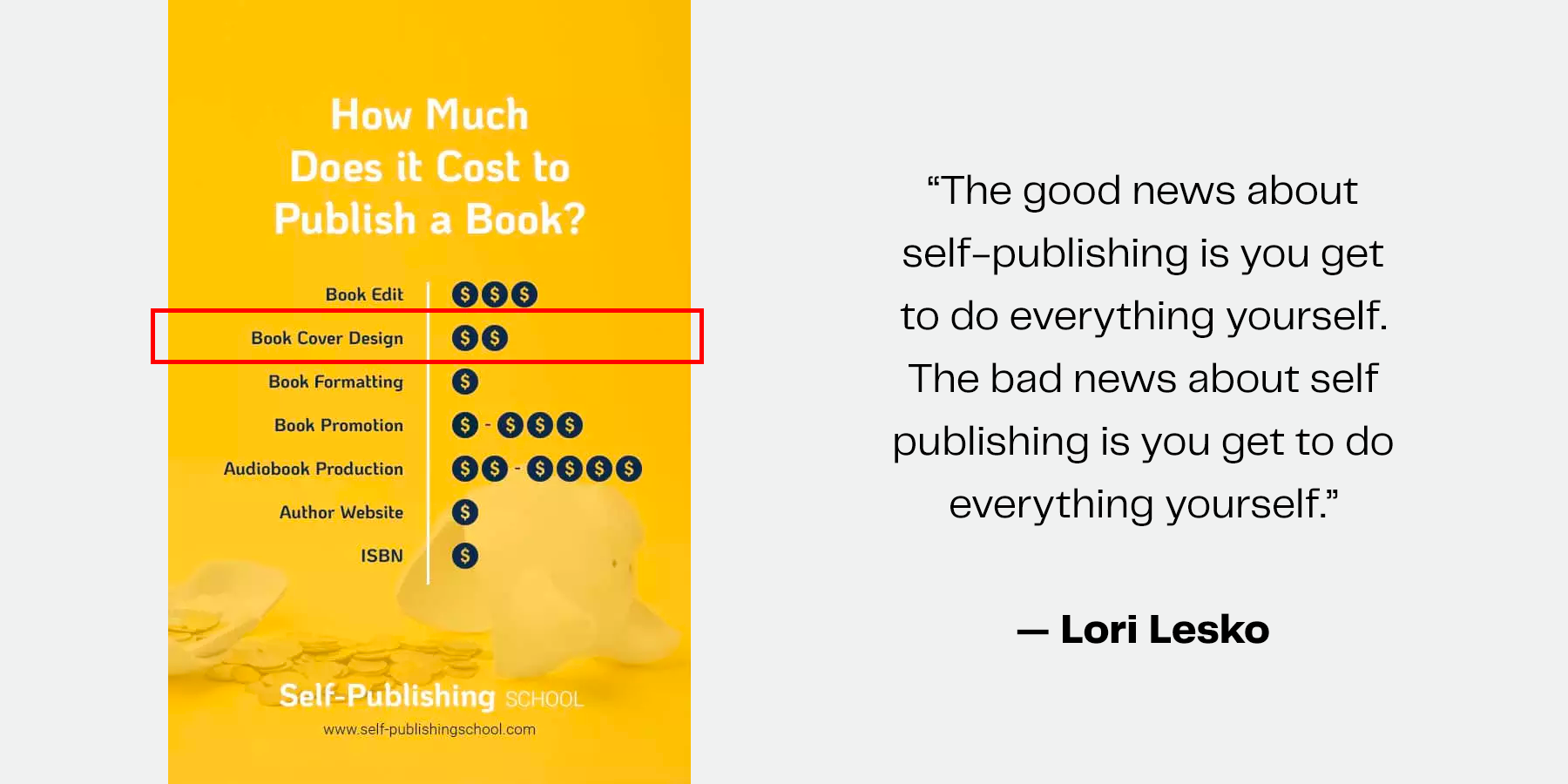
Self-publishing gives authors more control over their work, but it also forces them to take on responsibilities traditionally handled by publishers: editing, formatting, marketing and cover design.
For many authors, professional cover design sits in an uncomfortable middle ground. Hiring a designer can be expensive. General-purpose design tools can be intimidating. Low-cost template services often make it difficult to produce something distinctive, genre-appropriate or polished.
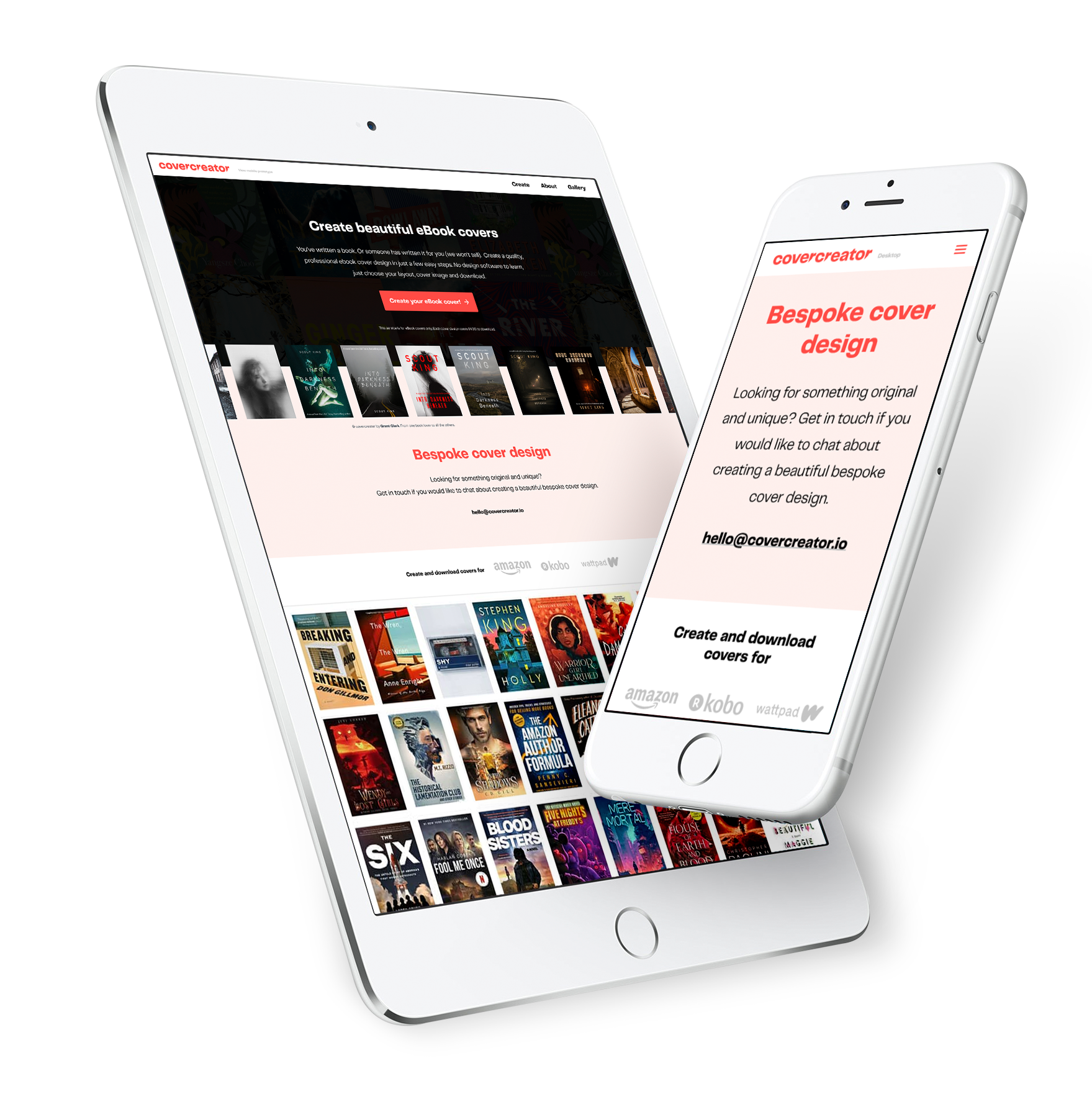
The opportunity was to explore a more focused product: a guided eBook cover creator built specifically for authors without professional design skills.
Rather than trying to compete with complex design software, the product would help users make a small number of good decisions in the right order, then export a marketplace-ready eBook cover.
The Hypothesis
Self-publishing authors need an affordable and intuitive way to create professional-looking eBook covers.
Existing tools often felt either too expensive, too generic or too complicated for people without design experience. A purpose-built product could reduce the complexity of the process while still giving authors a sense of ownership and creative control.
The Problem
Self-publishing authors often lack the budget, design confidence or technical knowledge to create an eBook cover that feels professional and attracts the right readers.
They also need the flexibility to revisit, adapt and test different cover directions as they learn more about their market.
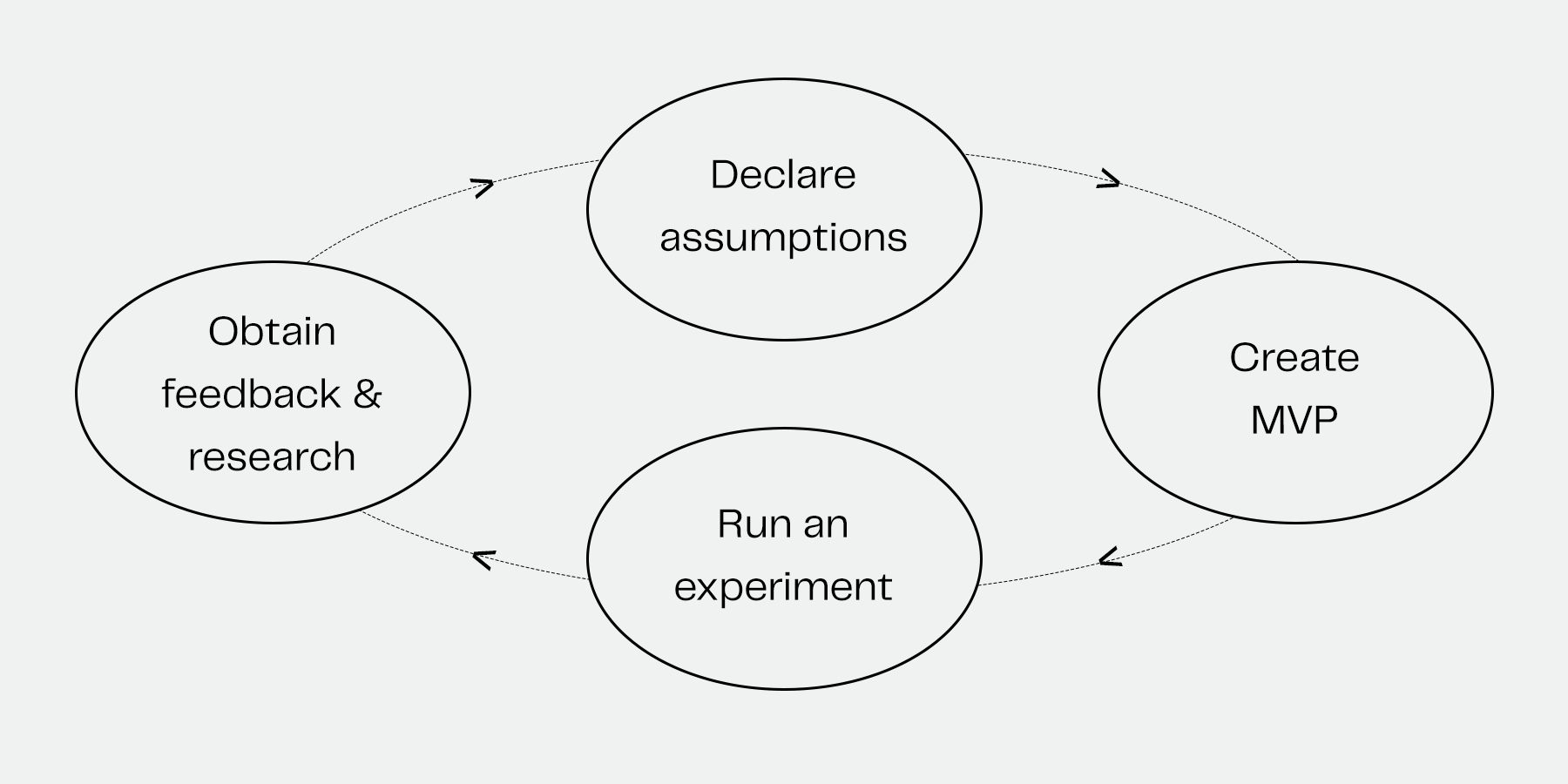
Goals and Constraints
The central goal was to understand whether there was a meaningful gap in the self-publishing market for a simpler eBook cover creation tool.
I wanted to answer a number of practical questions:
Did authors genuinely need another cover-design service?
What existing tools were authors using, and where were they falling short?
How much control did users actually want in the design process?
What level of quality would make the product feel worth paying for?
Would a subscription, one-off payment or freemium model make the most sense?
Should the product be browser-based, mobile-first or app-based?
What was the smallest useful version of the product that could be tested?
The project also gave me an opportunity to deepen my Figma and prototyping skills while working through a realistic end-to-end product problem.
Research Approach
Competitor and Desk Research
I began by reviewing existing services in the self-publishing and book-cover-design space.
I looked at how competitors positioned themselves, the language and tone they used, their onboarding flows, template quality, pricing models, SEO strategies and the level of creative control they gave users.
Alongside this, I reviewed self-publishing articles, videos, books and community discussions to better understand where cover design sits within the broader publishing journey.
I also spoke informally with authors about the tools they used, what they recommended and, more importantly, why they had chosen those options.
Online Survey
To reach a wider group of potential users, I created a 16-question Google Form and shared it through self-publishing communities, Facebook groups, book clubs, authors and booksellers.
The survey explored areas including:
The biggest challenges in self-publishing
Cover-design budgets
Design confidence and software experience
Satisfaction with existing book covers
The role of testing different covers
Experiences working with professional designers
Willingness to pay for an eBook cover creator
The aim was not to prove demand through a large quantitative study. It was to identify patterns, language and frustrations that could shape the MVP.
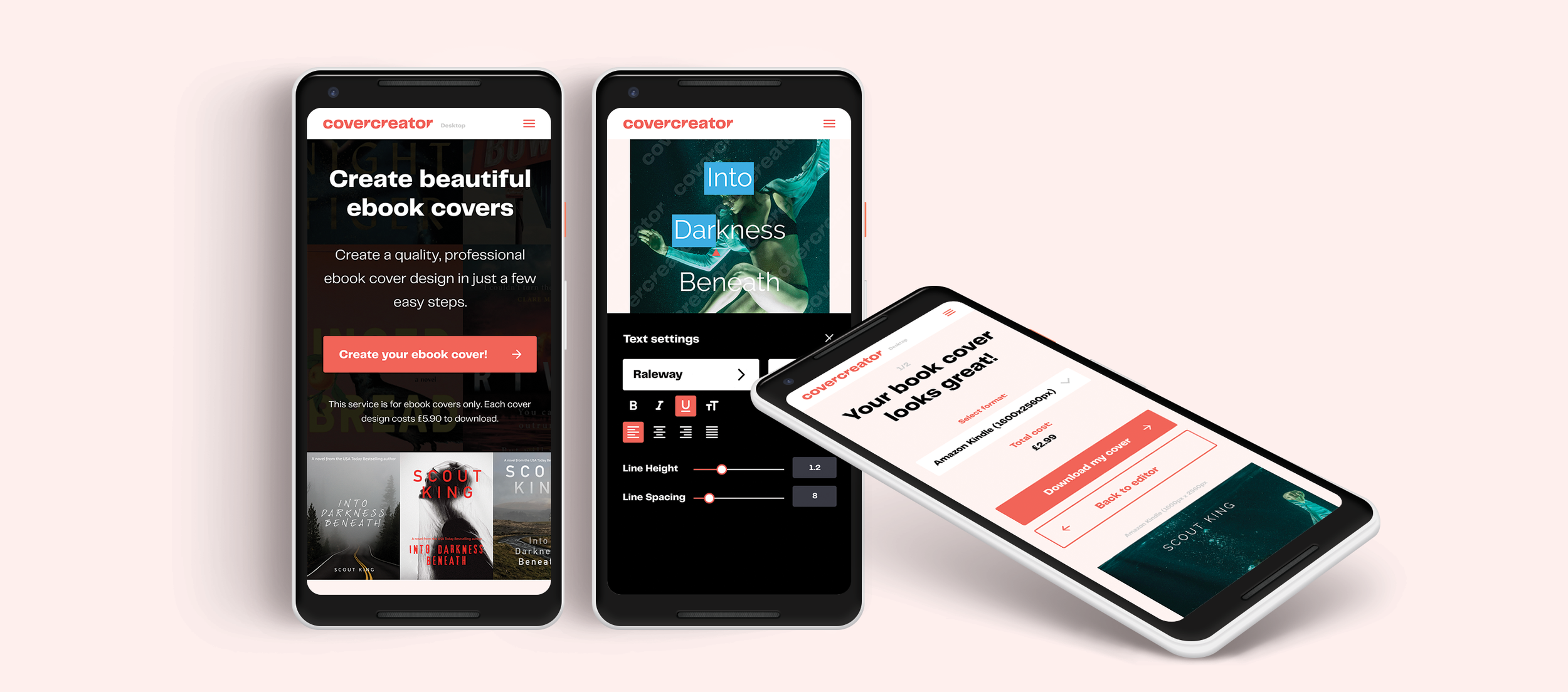
I developed the Brand Identity and Product UI
Key User Groups
Rather than designing for one type of author, I identified three distinct user groups.
The Aspiring Self-Publisher
This user is writing alongside a full-time job and has limited budget and publishing experience. They are comfortable using online services but need reassurance that they are making the right decisions.
The Independent Author Seeking Control
This user may have publishing experience but wants more ownership over their work. Writing feels manageable; design and marketing feel unfamiliar. They need a straightforward process that does not require specialist skills.
The Experienced Self-Publisher
This user has published before and understands the commercial importance of presentation. They want speed, quality and the ability to create multiple cover versions without repeatedly hiring a designer.
What I Learned
The research pointed to several consistent themes.
Budget was a major barrier
Authors wanted guidance, not unlimited freedom
Ease of use mattered as much as price
Professional quality was non-negotiable
Iteration was part of the job
Desktop-first made more sense for this workflow

Design Response
Based on the early testing, I refined the prototype around a more guided experience.
The updated design introduced:
Clearer labels and action language
A stronger hierarchy between primary and secondary actions
A simple onboarding flow for first-time users
More visible progress through the cover-creation process
Reduced complexity on each screen
A clearer path from starting template to exported cover
The intention was to make the process feel less like using unfamiliar design software and more like completing a structured, achievable task.
User Flow and Wireframing
I translated the MVP into a simple step-by-step flow:
Choose a starting point → Add book details → Customise the cover → Review the design → Download the final file
I then created low-fidelity wireframes for the key screens required to complete this journey.
The initial wireframes were tested with three authors I had immediate access to. These sessions surfaced problems around labelling, calls to action and confidence at key decision points.
Users did not always understand what would happen next or what certain actions meant. It became clear that the product needed more than a collection of editing screens. It needed onboarding and clearer guidance from the first interaction.

Outcome
This project gave me a much stronger understanding of the self-publishing ecosystem and the commercial role that cover design plays within it.
It also produced a working prototype that could be used to test the core assumptions behind the product:
Would authors trust guided templates enough to use them?
Could non-designers create a cover they felt proud to publish?
Would users pay for a faster, simpler alternative to hiring a designer?
Would professional-quality starting points be enough to differentiate the product from existing tools?
At the time of writing, user testing is ongoing with authors and other interested participants.
The biggest lesson was that the opportunity was not simply to make book cover design cheaper. It was to make the process feel more understandable, less intimidating and more commercially useful for authors trying to bring their work to market.

Next Steps
Before taking the concept further, I would focus on validating the commercial and behavioural assumptions behind the prototype.
Test the prototype with a broader mix of genres and publishing experience
Measure task completion, time to export and confidence in the final result
Test whether users can create a cover without external support
Explore save-and-return functionality and version comparison
Run pricing experiments around one-off downloads, credits and subscriptions
Compare template-led outcomes against covers produced in general-purpose design tools
Assess whether authors would pay for higher-tier services such as bespoke design support, image sourcing or cover reviews